Retail Email Marketing That Turns Purchase History Into Return Visits

In-store purchases shape emails shoppers want to read

We do the setup. You get more repeat customers.
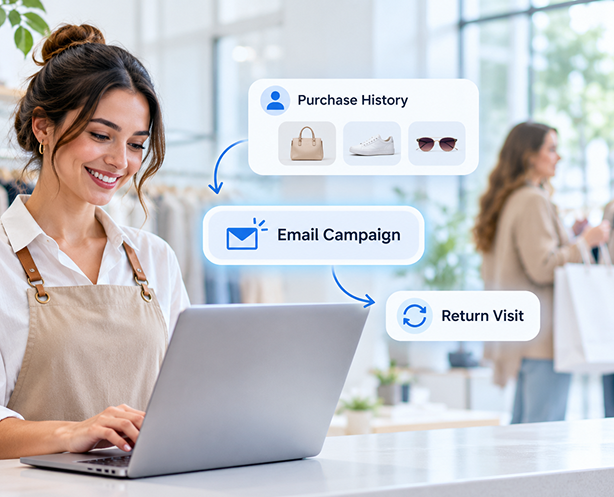
A favorite-brand purchase feeding a customer segment, a branded new-arrival email & a campaign results view

Retailers Building Stronger Customer Relationships

Faherty
Tootsies
Penelope T
Marissa Collections
Skirt
Uniquities
UNOde50
Results from the retail platform

How Retailers Turn Customer Messages Into Sales

$6,587

from 25 shoppers after a trunk show text.

Scout & Molly's
$20,000

from 47 lapsed customers after one We Miss You message.

Specialty Retail Franchise
1,500

new members from checkout sign-up, ready for texts & rewards.

London Market

Results reported by ProProfs Retail customers using loyalty & marketing. These are platform results; your results depend on your customers & campaigns.

Email shaped around store purchases

Make Every Email Relevant With Your Store's Customer History

Use purchase history to choose who receives each retail email, with branded campaigns & follow-up prepared with our team.

Get a 15-min FREE Demo →
Email lists need repeated exports from the POS
Every shopper receives the same collection announcement
Busy teams keep postponing welcome & win-back emails
Audiences based on what shoppers buy

Shoppers Get Emails That Match What They Buy

  • ✓Brand and category buyers form groups
  • ✓Spend and visits help identify VIPs
  • ✓Past visits show who has drifted away
  • ✓Audiences can cover selected stores
  • ✓POS history keeps audiences current
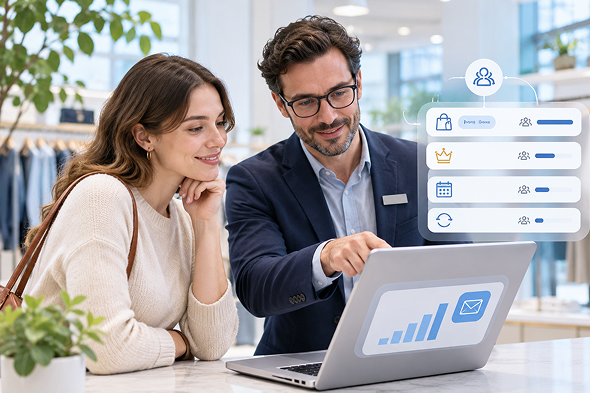
An email audience narrowed to shoppers who previously bought a featured brand
A reason to visit between purchases

Timely Retail Emails Give Shoppers a Reason to Return

  • ✓Past brand buyers hear what's new
  • ✓VIPs can get event and early access
  • ✓Welcome & win-back emails can run on cue
  • ✓Birthday emails can run on schedule
  • ✓Branded templates are ready at launch
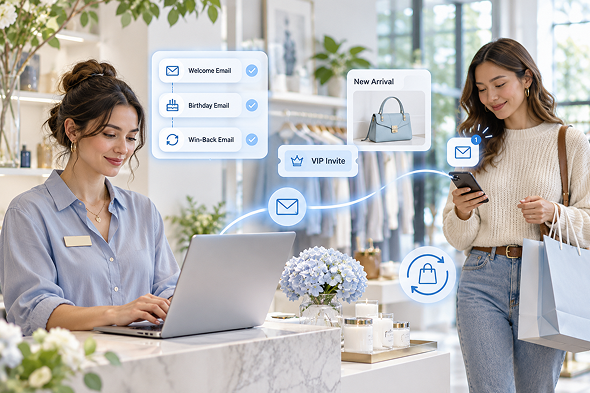
A new-arrival email beside an automated welcome & win-back sequence
Purchases after each campaign

Campaign Reports Show Who Bought After an Email

  • ✓Reports show delivery and engagement
  • ✓Reports show purchases in your window
  • ✓Recipient spend uses the same window
  • ✓Results inform offers and audiences
Explore retail marketing automation →
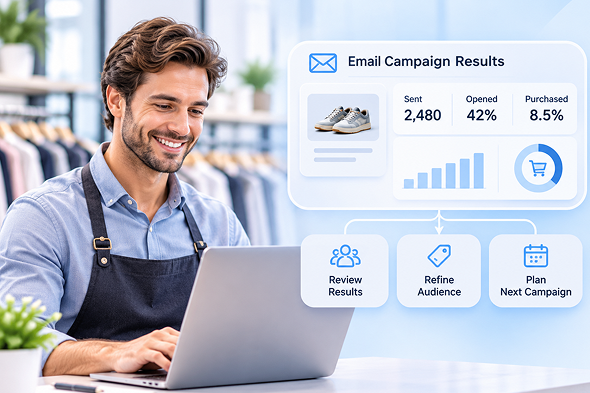
An email campaign showing engagement, recipient purchases & spend
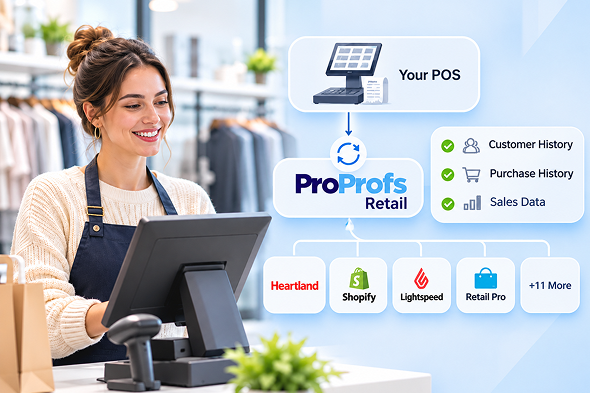
Connected to your checkout

POS Purchase History Without Repeated Exports

  • ✓Your existing POS stays the record of each sale
  • ✓Customer & purchase history arrive automatically
  • ✓Heartland & Shopify sync live; others on a schedule
  • ✓Don't see your POS? We'll connect it for free
See All Integrations →
Put POS History to Work Without Repeated Exports
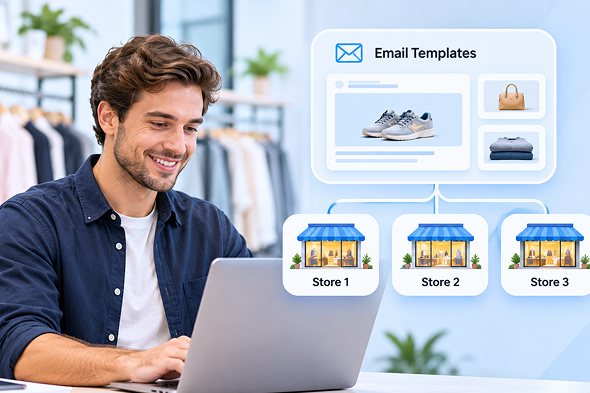
One brand across local stores

Shared Templates Save Campaign Work Across Stores

  • ✓Templates can reach selected stores or all
  • ✓Each store sends from its own address
  • ✓Local names, logos & addresses fill in
  • ✓Franchises set local campaign permissions
Save Campaign Work Across Stores With Shared Email Templates
“I see a lot of people back in store.”
Boutique owner

We Set It Up With You

01

Customer Data Ready

We import your list & connect your POS

02

Templates Ready

We prepare branded templates & audiences

03

Automations Live

We turn on your chosen automated emails

04

Campaign Results Ready

Reports show recipient purchases in your window

Retail Email Marketing FAQs

What is retail email marketing?−
Retail email marketing is using email to keep shoppers connected to your store through relevant new arrivals, rewards, events & follow-up. ProProfs Retail uses POS purchase history to help choose the right audience.
Who is ProProfs Retail email marketing best for?+
It is built for physical specialty stores, including independent, multi-location, and franchise stores, that want to bring shoppers back. Many email tools are written for online stores. ProProfs Retail connects to your POS, so you can email customers based on what they bought in your store. We do the setup with you, prepare your branded templates, and train your team.
What types of emails should a retail store send?+
Start with a welcome email after a customer’s first visit. Then add new-arrival emails to past buyers of a brand, and VIP or event invitations for your best customers. Birthday emails can send on their own, and a win-back email reaches regulars who haven’t visited in a while.
How do I collect customer emails in my store?+
Ask customers to join at checkout. They can sign up by QR code at the register or through your POS, and you can use an optional tablet on any counter. Customers can also join your loyalty program at checkout, and you capture text and email consent each time, so your list is made of customers who chose to join.
Can I target shoppers by what they bought in store?+
Yes. Build audiences using purchases, favorite brands, categories, spend, visits & store location, then send messages that match those interests.
Which emails can run automatically?+
Set up welcome, birthday & win-back emails with our team. They keep running as customers meet the conditions you choose.
Retail email marketing vs Mailchimp or Klaviyo: what’s the difference?+
ProProfs Retail combines retail email, loyalty & customer records around your store’s POS. Klaviyo can combine online & in-store history on Shopify POS; ProProfs Retail connects to a wider range of retail POS systems & helps you set up branded campaigns.
Can I keep using Mailchimp?+
Yes. ProProfs Retail connects with Mailchimp, and we can help connect other marketing tools you already use. You keep your existing checkout, and our team handles the setup with you.
How often should a retail store send marketing emails?+
There is no single right number. Start with a few useful emails, like a welcome, a new-arrival message, and a win-back, and see how customers respond. Because you can send only to the customers who fit, each email is more relevant and less likely to annoy anyone. Your campaign reports show who came back, so you can adjust.
How do I measure retail email marketing results?+
Campaign reports show delivery & engagement results, plus purchases & spend by recipients during your selected attribution window. That shows you how many emails were delivered and opened, who came back to the store, and how much they spent.
Can I start before my POS is connected?+
Yes. Import your customer list & prepare emails while our team sets up the connection. Purchase-based audiences use the history flowing in once sync is active.
How much does retail email marketing software cost?+
Pricing depends on your store, so we share it on a 15-min demo. We also do the setup for you, and we train your team. Get a 15-min FREE Demo to see what fits.

Retail Emails Give Shoppers a Reason to Return

Get a 15-min FREE Demo

We do the setup. You get more repeat customers.