Loyalty & Marketing for Grocery and Specialty Food

Bring Shoppers Back for Their Next Basket

Keep shoppers choosing your store with loyalty, relevant offers & new-product invitations
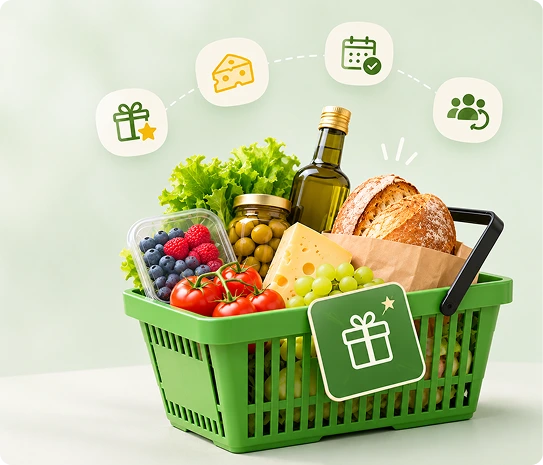
We help connect your POS and prepare your initial setup.
Loyalty & Marketing for Grocery and Specialty Food

Stay in the Shopping Routine Between Visits

  • A weekly staples shopper and a customer exploring your cheese counter do not need the same message
  • Blanket promotions can miss what each person actually comes in to buy
  • ✓ Use customer purchase history to choose relevant audiences
  • ✓ Keep everyday rewards and discovery-led invitations in one store marketing plan
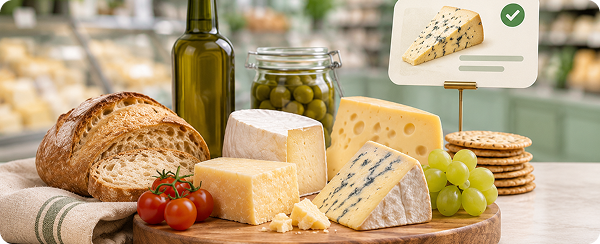
Make Offers Relevant to the Basket

Make Offers Relevant to the Basket

  • Group customers by purchased brands or categories
  • Reach shoppers who have shown an interest in the products you are featuring
Example

Announce a new cheese range to previous specialty dairy buyers.
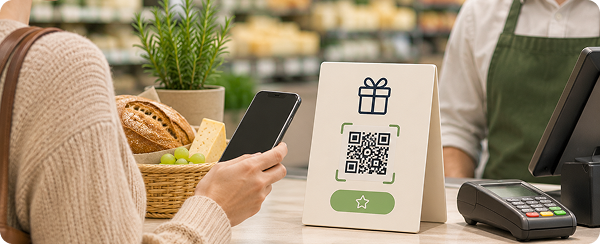
Reward Regular Shopping With a Clear Program

Reward Regular Shopping With a Clear Program

  • Make signup and eligible rewards understandable at checkout
  • Give customers a reason to keep their next basket with your store
Example

Explain how a regular’s eligible grocery purchases contribute to rewards.
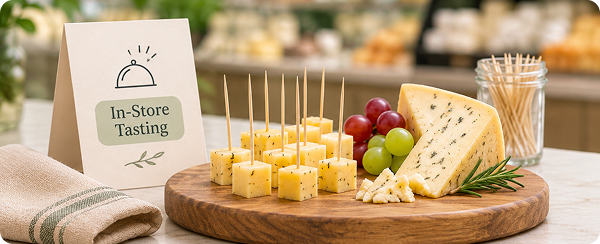
Give New Products an Audience Beyond the Shelf

Give New Products an Audience Beyond the Shelf

  • Invite an appropriate group to a tasting or product launch
  • Staff choose the timing and check availability before the message goes out
Example

Invite gourmet-food shoppers to a supplier tasting.
Reconnect With Regulars When Shopping Habits Change

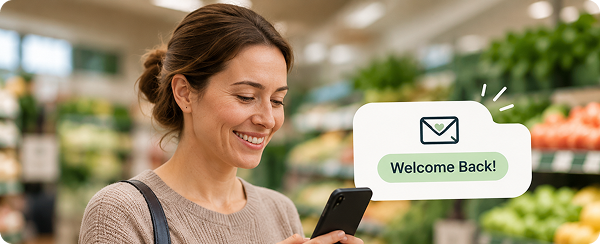
Reconnect With Regulars When Shopping Habits Change

  • Use purchase history and time since the last visit to identify customers for win-back outreach
  • Set a period that fits your store’s shopping pattern
Example

Reach enrolled customers who have not returned in your chosen window.

Give the Next Basket a Reason to Be Yours

01
Product Discovery

Select past buyers of the featured category.

02
Tasting Event

Invite an appropriate opted-in customer group.

03
Welcome

Introduce the loyalty program after enrollment.

04
Win-Back

Reconnect with regulars who have stopped visiting.

Make Rewards Easy to Explain at Checkout

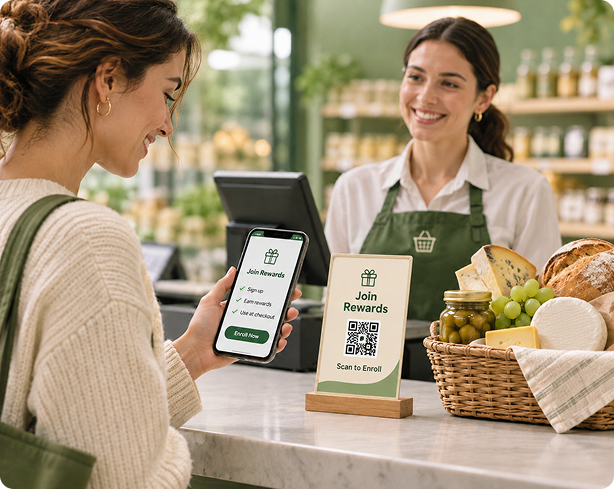
  • ✓Shoppers enroll through your signup form, checkout process or QR code
  • ✓Configure eligible purchases and rewards under your program’s rules, with staff training and initial messages prepared during onboarding
  • ✓We configure the program, prepare initial campaigns and train your team
Explore Retail Loyalty Software →
Make Rewards Easy to Explain

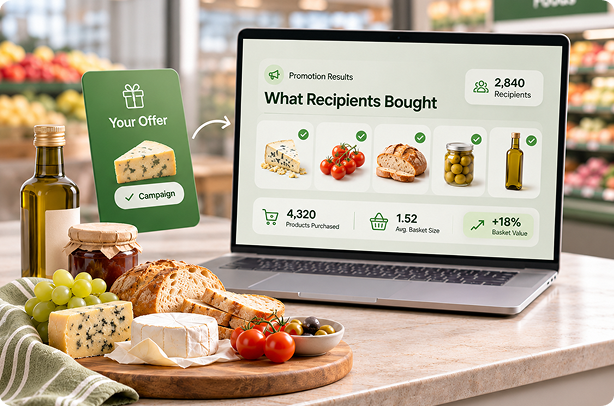
See What Campaign Recipients Bought During Your Promotion

  • ✓Review purchases by message recipients within your selected period and filter by product, brand or category
  • ✓See how an invitation or offer relates to actual customer baskets
  • ✓Use recipient spending to improve future audiences and offers
  • ✓Assess incremental gross profit separately from campaign-attributed sales
See What Campaign Recipients Bought

Get Your Store Ready With Guided Setup

01

Connect your POS and prepare your customer data

02

Set up your loyalty program, branded templates and initial campaigns

03

Train staff to enroll shoppers, redeem rewards and follow up

  • Onboarding typically takes about a week
  • For multiple stores, we coordinate launch around participating locations
  • We connect your POS for free during onboarding and set up your initial campaigns
  • If your POS isn't listed, we'll connect it for free

FAQs

Does ProProfs Retail Integrate With My POS?−
Yes. ProProfs Retail connects with Heartland Retail, Shopify, Lightspeed, Retail Pro, Counterpoint, Celerant, Clover via Factor4, Teamwork Commerce, NewStore, Smyth, Runit, NetSuite and BigCommerce. We also connect with popular marketing platforms such as Mailchimp and Klaviyo, and can help connect other marketing tools you already use. Your purchase history powers loyalty, automated marketing, and relevant customer follow-ups while you keep your existing checkout. Don't see your POS listed? We'll connect it for free. Our team handles the integration during onboarding and helps set up your initial campaigns.
How Does the Loyalty Program Work?+
Customers join through your signup form or checkout enrollment process, earn points through purchases or visits, and redeem eligible rewards under your program’s rules. Your staff can view available rewards during checkout. We also set up messages that encourage another visit, such as a welcome offer, birthday reward or win-back message. We configure the program and train your team.
Do I Need a Tablet or Other New Hardware?+
No. You don't need to buy a tablet or any additional hardware to get started. Customers can join your loyalty program at checkout through your POS or by scanning a QR code and signing up on their own phone. If you prefer a customer-facing signup station, we can also help set up a tablet at your checkout counter. Apple iPads are supported, but our team can help you confirm a suitable device for your store. We help you set everything up, so you can start enrolling customers without adding unnecessary hardware costs.
Can Marketing Run Automatically While I’m Busy?+
Yes. We set up your initial automated campaigns for you, so marketing keeps running while you serve customers. These can welcome a first-time shopper, send a birthday offer, check in after a purchase or reconnect with someone who hasn’t visited recently. We prepare the messages, timing and rewards with you and show your team how to review the results.
How Often Does Customer and Purchase Data Sync?+
Shopify and Heartland Retail sync customer and purchase updates in real time. Other connections use scheduled updates: API-based checks typically run hourly, while file-based connections generally update hourly or overnight. This keeps customer history available for loyalty and targeted follow-up without repeated manual exports. We confirm the update schedule for your specific POS during onboarding.
How Can I Measure Results and Calculate ROI?+
Campaign reports show message delivery, engagement, subsequent customer purchases and sales within your chosen reporting window. For a weekend promotion, you can review which recipients purchased during the event and how much they spent. You can also filter results by product, brand or category. To assess financial ROI, compare additional gross profit with software, messaging and reward costs.
How Much Does Texting Cost?+
ProProfs Retail plans include a monthly allowance of text credits. A standard plain-text SMS of up to 160 characters uses one credit per recipient, while picture messages use three credits. The campaign builder shows the estimated credit usage before sending, helping you manage your budget. Additional credits are available as your needs grow. Get a free 15-minute demo so we can walk you through what works best for your store.

Make Your Store Part of the Next Shopping Trip

See how loyalty and relevant outreach fit your everyday shoppers and specialty-food customers.

Get a 15-min FREE Demo

We help connect your POS and prepare your initial setup.