Loyalty & Marketing for Electronics Retail

Keep Customers Coming Back After the Device Purchase

Keep the relationship going after the device purchase with loyalty & useful follow-up
We help connect your POS and prepare your initial setup.
Loyalty & Marketing for Electronics Retail

Stay Useful Between Upgrade Cycles

  • ✓ A computer or home-audio system can last a long time
  • ✓ The customer may still need accessories, advice or another product, but the original purchase alone will not keep your store top of mind
  • ✓ Use purchase history and customer notes to make the next conversation relevant
  • ✓ Let staff expertise continue after the customer leaves with the box

Continue the Setup Conversation With Personal Follow-Up

Continue the Setup Conversation With Personal Follow-Up

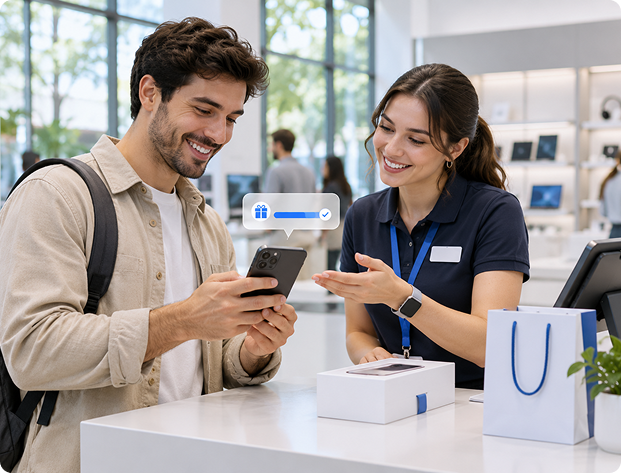
  • Have an associate review the purchase and send a useful check-in
  • Keep customer questions and preferences available in the profile
Example

Follow up personally after a customer buys a new computer.
Reach Relevant Product Buyers With Accessory News

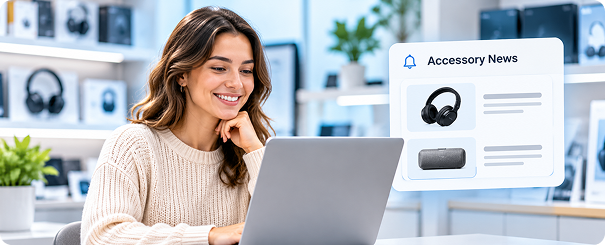
Reach Relevant Product Buyers With Accessory News

  • Choose audiences by purchased products, brands or categories
  • Staff review the offer and suitability rather than relying on an automatic compatibility assumption
Example

Contact a relevant laptop-buyer audience about a staff-reviewed accessory range.
Give Demonstrations an Audience Beyond Walk-In Traffic

Give Demonstrations an Audience Beyond Walk-In Traffic

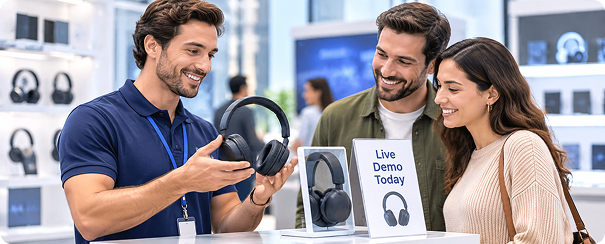
  • Invite appropriate customers to product demonstrations or educational store events
  • Keep the message tied to interests they have shown
Example

Invite audio-category buyers to an in-store listening demonstration.
Reward the Next Visit Between Major Upgrades

Reward the Next Visit Between Major Upgrades

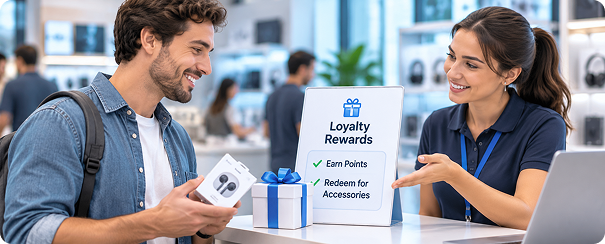
  • Give eligible purchases a place in your loyalty program
  • Help customers see value in returning for smaller accessories and later equipment needs
Example

Explain available rewards when an enrolled shopper returns for accessories.

Make the Next Tech Conversation Start With Your Team

01
After the Purchase

Have an associate check in with the customer.

02
New Range

Select a relevant brand or category audience.

03
Store Demonstration

Invite interested opted-in shoppers.

04
Win-Back

Choose a period that fits your electronics buying cycle.

Connect the Next Purchase With Store Loyalty

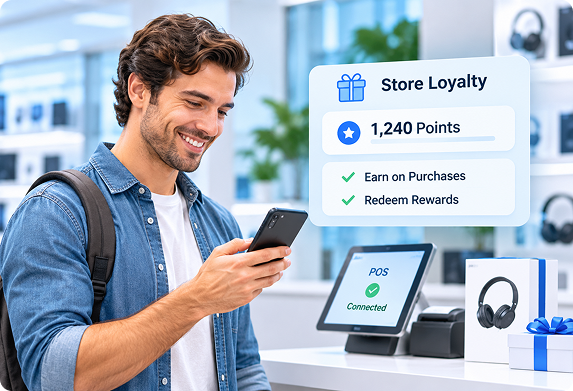
  • ✓Customers enroll through your signup or checkout workflow, earn on eligible purchases and redeem rewards under your program’s rules
  • ✓Keep your existing POS and use customer history to make service more personal
  • ✓We configure the program, prepare initial campaigns and train your team
Explore Retail Loyalty Software →
Connect the Next Purchase With Store Loyalty

See Who Purchased After Your Product Campaign

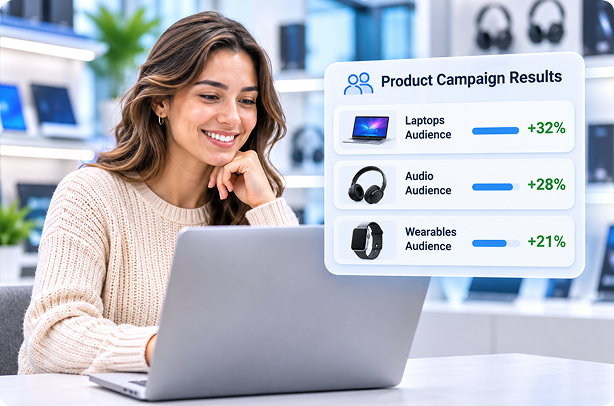
  • ✓Review purchases and spending by message recipients in a selected window
  • ✓Filter by product, brand or category to understand the response to a demonstration or new range
  • ✓Use the results to refine audiences and follow-up
  • ✓Your team’s product knowledge remains central to selecting appropriate recommendations
Explore Customer Profiles →
See Who Purchased After Your Product Campaign

Get Your Store Ready With Guided Setup

01

Connect your POS and prepare your customer data

02

Set up your loyalty program, branded templates and initial campaigns

03

Train staff to enroll shoppers, redeem rewards and follow up

  • Onboarding typically takes about a week
  • For multiple stores, we coordinate launch around participating locations
  • We connect your POS for free during onboarding and set up your initial campaigns
  • If your POS isn't listed, we'll connect it for free

FAQs

Does ProProfs Retail Integrate With My POS?−
Yes. ProProfs Retail connects with Heartland Retail, Shopify, Lightspeed, Retail Pro, Counterpoint, Celerant, Clover via Factor4, Teamwork Commerce, NewStore, Smyth, Runit, NetSuite and BigCommerce. We also connect with popular marketing platforms such as Mailchimp and Klaviyo, and can help connect other marketing tools you already use. Your purchase history powers loyalty, automated marketing, and relevant customer follow-ups while you keep your existing checkout. Don't see your POS listed? We'll connect it for free. Our team handles the integration during onboarding and helps set up your initial campaigns.
How Does the Loyalty Program Work?+
Customers join through your signup form or checkout enrollment process, earn points through purchases or visits, and redeem eligible rewards under your program’s rules. Your staff can view available rewards during checkout. We also set up messages that encourage another visit, such as a welcome offer, birthday reward or win-back message. We configure the program and train your team.
Can You Migrate My Customer Data and Loyalty Program?+
Yes. We help move your customer records and existing loyalty balances into ProProfs Retail, so you can continue recognizing and rewarding your customers. Imports can include contact details, birthdays, anniversaries, tags, notes and loyalty points. We prepare the import with you, check the records and help clean up duplicates before launch.
Can Marketing Run Automatically While I’m Busy?+
Yes. We set up your initial automated campaigns for you, so marketing keeps running while you serve customers. These can welcome a first-time shopper, send a birthday offer, check in after a purchase or reconnect with someone who hasn’t visited recently. We prepare the messages, timing and rewards with you and show your team how to review the results.
How Often Does Customer and Purchase Data Sync?+
Shopify and Heartland Retail sync customer and purchase updates in real time. Other connections use scheduled updates: API-based checks typically run hourly, while file-based connections generally update hourly or overnight. This keeps customer history available for loyalty and targeted follow-up without repeated manual exports. We confirm the update schedule for your specific POS during onboarding.
How Can I Measure Results and Calculate ROI?+
Campaign reports show message delivery, engagement, subsequent customer purchases and sales within your chosen reporting window. For a weekend promotion, you can review which recipients purchased during the event and how much they spent. You can also filter results by product, brand or category. To assess financial ROI, compare additional gross profit with software, messaging and reward costs.
Can You Help Clean Up Duplicate Customer Records?+
Yes. ProProfs Retail can automatically merge profiles with matching email addresses or phone numbers, bringing customer information, purchase history and loyalty activity together. Administrators can also merge records manually. This helps staff recognize returning shoppers and keep their customer relationships organized.

Make Your Store Their Next Stop for Tech

See how loyalty and relevant customer follow-up support your electronics team beyond the first sale.

Get a 15-min FREE Demo

We help connect your POS and prepare your initial setup.