Loyalty for Botanical Retailers

Build Returning Customer Relationships in Botanical Retail

Connect customer history, shopping preferences & eligible rewards at your existing checkout
We help connect your POS and prepare your initial setup.
Loyalty for Botanical Retailers

Keep Customer Recognition Consistent at Every Visit

  • ✓ Customers may return for a familiar brand or ask about a product they discussed with another employee
  • ✓ That conversation is harder to continue when purchase history and useful notes are scattered
  • ✓ Keep the retail relationship organized
  • ✓ Review your product categories, program eligibility and communication requirements with our team before configuring the store's setup

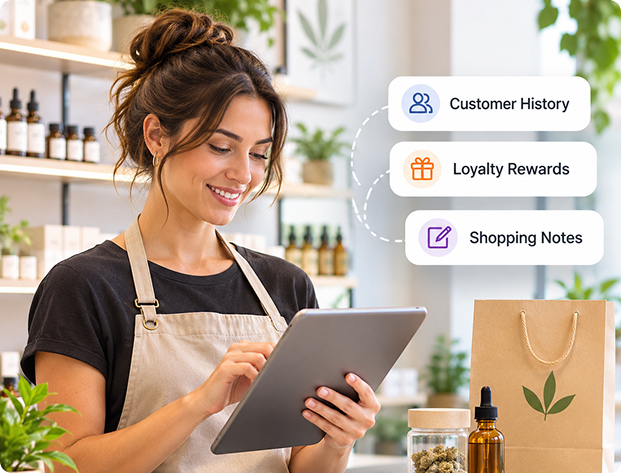
Remember Customer Preferences Across Your Team

Remember Customer Preferences Across Your Team

  • Keep purchase history and staff-entered shopping preferences together
  • Help an authorized associate continue a previous retail conversation
Example

Record a customer's preferred brand or product format as a shopping note.
Reward Eligible Purchases With Clear Rules

Reward Eligible Purchases With Clear Rules

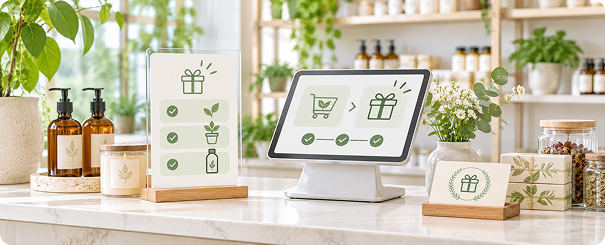
  • Configure the program around eligible products and rewards agreed for your business
  • Give staff a consistent way to explain the next purchase
Example

Show an enrolled customer their available eligible rewards at checkout.
Keep Enrollment Simple With Phone-Based Signup

Keep Enrollment Simple With Phone-Based Signup

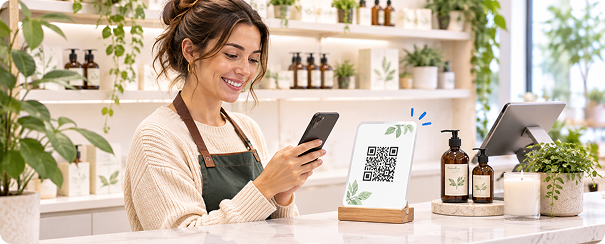
  • Offer a branded signup form that customers can open through a QR code
  • Review the information and permissions your store needs before launch
Example

Display a QR code for customers who want to join the retail program.
Keep Multiple Stores Organized With Shared Customer Workflows

Keep Multiple Stores Organized With Shared Customer Workflows

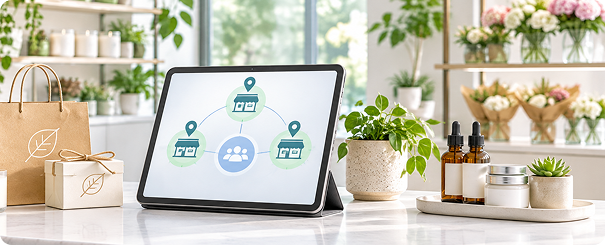
  • Review participating locations, customer access and shared reward rules together
  • Use store-level tracking to make responsibilities clearer
Example

Track where a shared reward is earned and redeemed across participating stores.

Build Around the Customer Relationship at Your Counter

01
Enrollment

Explain eligible rewards through the agreed signup workflow.

02
Preference Notes

Help staff continue a product conversation.

03
Program Review

Prepare updates for permitted communication channels.

04
Store Review

Compare reward activity across participating locations.

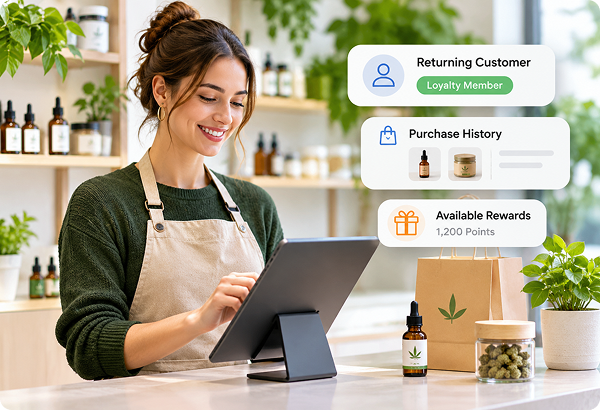
Recognize Returning Customers With Connected History

  • ✓Use customer records and eligible loyalty rules to support more consistent retail service
  • ✓We review your product range and setup requirements before agreeing the program and training your team
  • ✓We review program eligibility and configure the agreed rewards with your team
Explore Retail Loyalty Software →
Recognize Returning Customers With Connected History

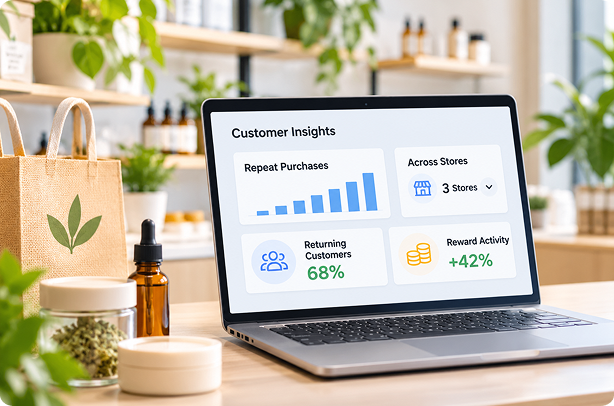
Understand Repeat Purchases Across Participating Stores

  • ✓Review customer purchase history and reward activity to understand return shopping
  • ✓For approved campaigns, use a selected window to review recipient purchases and spending
  • ✓Keep your retail program focused on eligible products and customer relationships
  • ✓Confirm category and communication requirements as part of your setup review
Explore Customer Profiles →
Understand Repeat Purchases Across Participating Stores

Get Your Store Ready With Guided Setup

01

Review your POS, product categories and eligible program rules

02

Prepare customer imports, branded signup and eligible rewards

03

Train staff on enrollment, checkout rewards and customer records

  • Typical retail onboarding takes about a week
  • We agree your launch plan after reviewing the store and participating locations
  • We review your POS connection during onboarding
  • If your POS isn't listed, we'll connect it for free

FAQs

Does ProProfs Retail Integrate With My POS?−
Yes. ProProfs Retail connects with Heartland Retail, Shopify, Lightspeed, Retail Pro, Counterpoint, Celerant, Clover via Factor4, Teamwork Commerce, NewStore, Smyth, Runit, NetSuite and BigCommerce. We also connect with popular marketing platforms such as Mailchimp and Klaviyo, and can help connect other marketing tools you already use. Your purchase history supports customer records and eligible loyalty rewards while you keep your existing checkout. Don't see your POS listed? We'll connect it for free. Our team handles the integration during onboarding and reviews eligible rewards and communication options with you.
Can You Migrate My Customer Data and Loyalty Program?+
Yes. We help move your customer records and existing loyalty balances into ProProfs Retail, so you can continue recognizing and rewarding your customers. Imports can include contact details, birthdays, anniversaries, tags, notes and loyalty points. We prepare the import with you, check the records and help clean up duplicates before launch.
How Does the Loyalty Program Work?+
Customers join through your signup form or checkout enrollment, earn points on eligible purchases or visits, and redeem eligible rewards under your program’s rules. Staff can view available rewards at checkout. We review the program with you, configure the agreed rules and train your team.
Do I Need a Tablet or Other New Hardware?+
No. You don't need to buy a tablet or any additional hardware to get started. Customers can join your loyalty program at checkout through your POS or by scanning a QR code and signing up on their own phone. If you prefer a customer-facing signup station, we can also help set up a tablet at your checkout counter. Apple iPads are supported, but our team can help you confirm a suitable device for your store. We help you set everything up, so you can start enrolling customers without adding unnecessary hardware costs.
How Long Does Setup Take, and Will You Train My Team?+
Typical retail onboarding takes about a week. We review your POS, customer data, eligible rewards and communication requirements, then agree the launch plan. We prepare the program with you and train staff to enroll shoppers, use rewards and recognize returning customers.
Can You Help Clean Up Duplicate Customer Records?+
Yes. ProProfs Retail can automatically merge profiles with matching email addresses or phone numbers, bringing customer information, purchase history and loyalty activity together. Administrators can also merge records manually. This helps staff recognize returning shoppers and keep their customer relationships organized.
Is There a Setup Fee?+
No. There is no setup fee for a single-store setup. Complex arrangements involving multiple stores, shared programs or franchise requirements may involve a setup fee. During your demo, we review the full requirements and explain any applicable costs before you commit.

Explore a Loyalty Program for Your Botanical Store

Review your POS, product categories and customer workflow with our team.

Get a 15-min FREE Demo

We help connect your POS and prepare your initial setup.